Your UniFi Console Is Exposed: Locking Down UniFi OS After CVE-2026-34908/34909/34910
Three maximum-severity UniFi OS flaws patched in May 2026 are now under active exploitation. A practical patch-and-harden playbook for the gateways and NVRs many Gulf SMBs run.
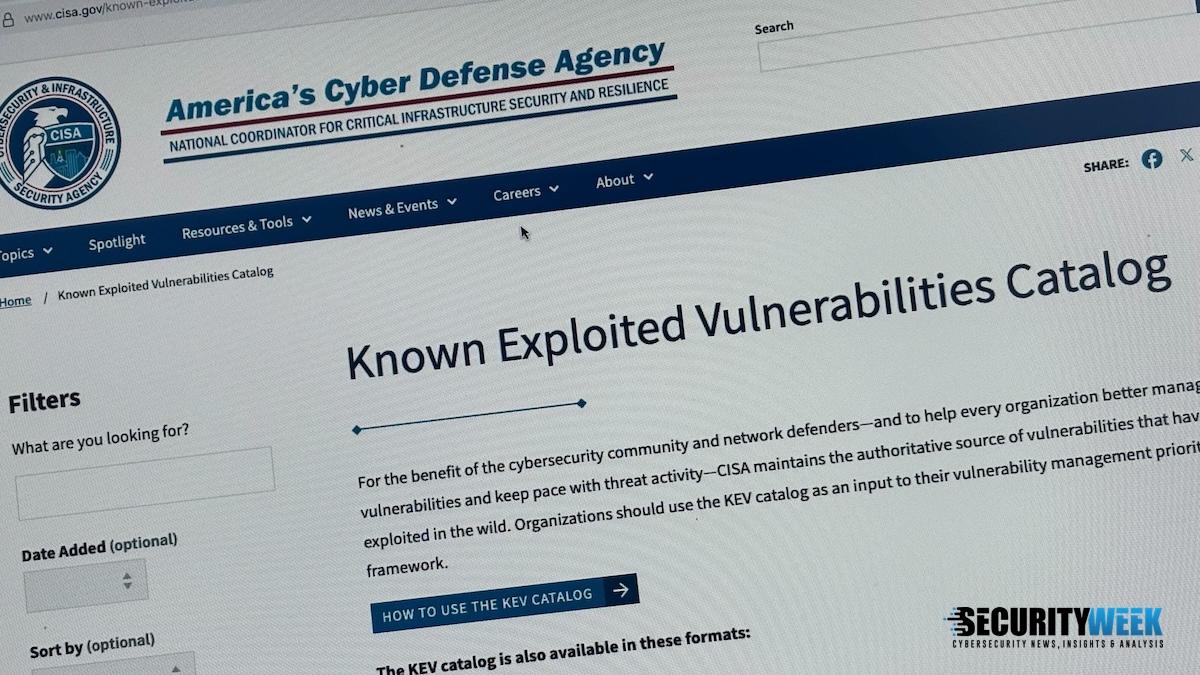
If you run a UniFi Dream Machine or a UNVR for your CCTV, stop reading emails for ten minutes and check whether its management plane is reachable from the internet. On 22 May 2026 Ubiquiti patched five UniFi OS vulnerabilities, three of them rated a perfect 10/10 on CVSS, and CISA has since confirmed attackers are actively exploiting all three in the wild. These are unauthenticated bugs — no password, no foothold needed. The exact boxes affected are the ones I see in almost every small business rack across Oman.
The problem: management planes left open to the world
UniFi Consoles are convenient because they combine routing, switching control, Wi-Fi, and video recording in one appliance. That convenience becomes a liability the moment the console's web interface or remote access is exposed to the public internet. Roughly 100,000 internet-exposed endpoints were estimated to be affected by this wave.
A mistake I keep seeing in the field: someone forwards a port so they can "check the cameras from home," or leaves Ubiquiti Remote Access on without thinking about what it really exposes. When the underlying OS has an unauthenticated command injection bug, that open door is no longer a convenience — it is a full compromise of your gateway and, by extension, everything behind it.
What the three flaws actually do
In plain terms, here is the danger of each:
- CVE-2026-34908 — improper access control. A remote attacker can make unauthorized system changes without authenticating. Think configuration tampering.
- CVE-2026-34909 — path traversal. Lets an attacker reach underlying system files they should never be able to read.
- CVE-2026-34910 — command injection. The worst of the three: arbitrary command execution on the device.
Each carries a CVSS score of 10/10, and each is exploitable by a remote, unauthenticated attacker. Chained together they hand over the whole appliance. Because these consoles often also record your surveillance footage, a breach here is not just a network problem — it is a physical security and privacy problem.
Immediate triage
Do this in order. It takes fifteen minutes and it matters.
- Identify your UniFi OS version. Log into the console locally, go to Settings, and note the current UniFi OS version. Compare it against the fixed builds Ubiquiti released on 22 May 2026.
- Check whether your model is affected. The list spans networking and video-recording consoles including UDM, UDM-Pro, UDM-SE, UDM-Pro-Max, UNVR, UNVR-Pro, ENVR, UCG-Ultra and UCG-Max, among others. If you run any of these, assume you are in scope.
- Test your internet exposure. From an outside connection (mobile data, not your office Wi-Fi), try to reach the console's management port and the UNVR web UI on your public IP. Also review your router/gateway port-forward rules. If anything management-related answers from outside, that is your priority fix.
Fix and verify
Apply the May 2026 UniFi OS updates immediately. On most consoles this is a one-click update under Settings > System > Updates, but if you have auto-updates disabled — as many production sites do to avoid surprise reboots — you must trigger it manually and schedule the short downtime.
After patching:
- Confirm the UniFi OS version now matches or exceeds the patched build.
- Re-run the external exposure test. Management ports should not respond from the internet.
- Rotate local admin credentials and any API keys, in case the device was probed before you patched.
- Review recent config changes and firewall rules for anything you did not create.
In one deployment I worked on, the fastest way to be sure was simply to remove the public exposure first, then patch, then verify — that way the device is not sitting on a live, exploitable OS while the update downloads.
Defense-in-depth: stop exposing the management plane at all
Patching closes today's holes. Architecture closes tomorrow's. Whatever appliance you run, the management interface should never be directly reachable from the internet.
- Disable Ubiquiti Remote Access unless you genuinely need it, and never rely on it as your only remote path.
- VPN-only administration. Put the management interfaces behind a VPN and administer over that tunnel. No exceptions for "just this once."
- Restrict source IPs. Where remote management must exist, lock it to specific known addresses with firewall rules.
- Segment your CCTV and NVR VLANs. Cameras and recorders belong on their own isolated VLAN with no route to the internet and no route to your general LAN except what is strictly required. This limits blast radius if a device is compromised.
- Strong, unique admin credentials and MFA on the Ubiquiti account tied to the console.
Ongoing hygiene for edge devices
Edge appliances — gateways, firewalls, NVRs — are prime targets precisely because they face the internet and often get set-and-forget treatment. Build a routine:
- Subscribe to Ubiquiti's security advisories so patch news reaches you the day it drops.
- Watch the CISA Known Exploited Vulnerabilities (KEV) catalog. When a CVE lands there, as these three did, treat it as an emergency, not a maintenance-window item.
- Set a patch cadence for edge devices that is faster than your servers — days, not months.
- Keep an inventory of every internet-facing device, its firmware version, and its exposure. You cannot protect what you have not written down.
Apply the same lesson everywhere
This is not really a UniFi story. It is the same story I tell every client about any camera, NVR, or firewall: the management interface is the crown jewels, and it does not belong on the public internet. Whether it is a Ubiquiti box, a standalone DVR, or a firewall admin page, the rule is identical — VPN in, segment the network, patch fast, and verify exposure from the outside. Do that and a maximum-severity, actively-exploited flaw becomes a scheduled update instead of a breach report.
References
- Ubiquiti patches three max severity UniFi OS vulnerabilities (BleepingComputer)
- Ubiquiti patches three critical vulnerabilities in UniFi OS (SC Media)
- Multiple Critical Vulnerabilities in Ubiquiti UniFi OS (CSA Singapore)
- Critical Ubiquiti Vulnerabilities in Attackers' Crosshairs (SecurityWeek)
- Ubiquiti Patches 3 Max-Severity UniFi OS Flaws, 100K Exposed (Daily Security Review)
Image: Herkie — BY-SA (via Openverse)
Leave a comment
Your email address will not be published. Required fields are marked *