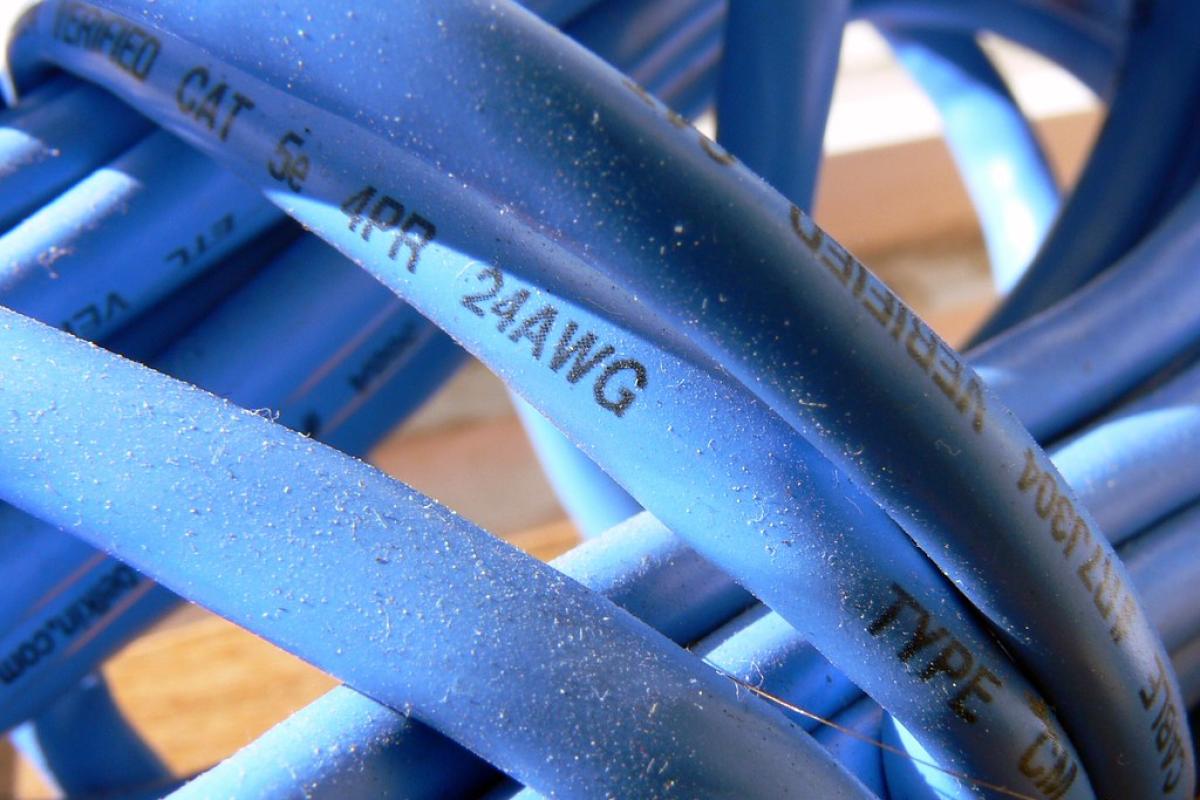
The Flat-Network Trap: Why CCTV and Access Control Need Their Own VLANs
Cameras, door controllers and IoT sensors sharing a LAN with your ERP server is the most common network design flaw in the field. Here's the fix, with a same-day audit checklist.
Why "just plug it into the LAN" is still the default
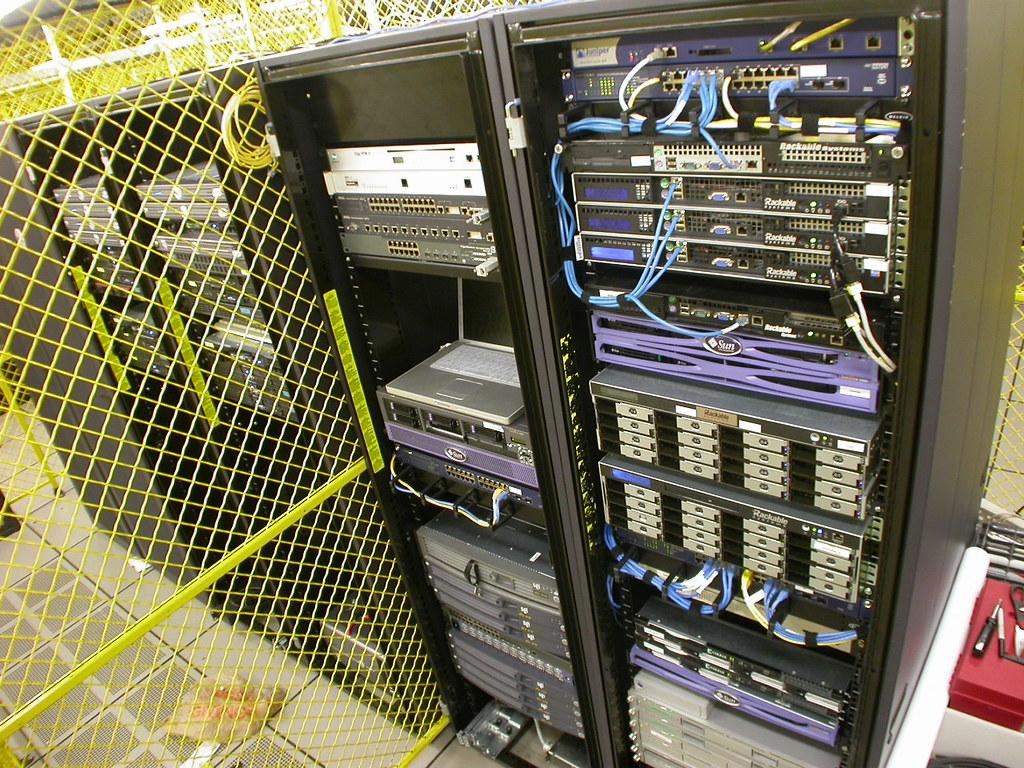
There's a reason this keeps happening: it's fast, it works on day one, and nobody notices the risk until something goes wrong. Installers are usually under time pressure to get cameras recording and doors unlocking. VLANs mean extra configuration, extra testing, extra conversations with whoever manages the switches. So the path of least resistance wins — everything lands on VLAN 1, the default, untagged, "it'll be fine" network. The NVR gets an IP next to the file server. The visitor-management kiosk sits on the same subnet as the finance workstation two desks away. Nobody drew this on a diagram; it just accreted, device by device, over several years.
The problem isn't that it fails immediately. It doesn't. Cameras record, doors open, the vehicle-tracking dashboard shows dots on a map. It fails later, quietly, when one of those devices becomes the way in.
The real risk: a camera as a pivot point
A camera or a door controller is a small embedded computer running firmware that rarely gets patched, often has a web interface reachable from more of the network than it should be, and is physically accessible in places your IT staff isn't watching — a loading dock, a stairwell, a perimeter fence. Compromise one of those, and if it sits on the same flat network as your ERP server or accounting workstation, you haven't just lost a camera feed. You've handed an attacker a foothold with a direct route to the systems that actually matter.
This is precisely the "blast radius" problem CISA describes in its guidance on network segmentation: segmentation exists to contain a breach to the segment where it started, rather than letting it spread across the whole environment. A camera getting compromised is a bad day. A camera getting compromised and then being used to reach your general ledger is a very different, much worse day — and the only thing standing between those two outcomes is whether your network was actually segmented or just looked like it was.
What the official guidance actually says
Two sources are worth anchoring this discussion in, because they come from people whose job is exactly this problem.
CISA's July 2025 guidance on microsegmentation in a zero-trust architecture makes a point that's easy to skip past but matters a lot in practice: moving an environment from traditional, broad network segmentation to fine-grained microsegmentation is genuinely complex, and it works far better as a phased, planned rollout than as a weekend project. That's a useful permission slip if you're staring at a flat network today — you don't have to fix everything at once, and trying to will probably get half-finished and abandoned. Plan it in stages, and each stage is still a real improvement over where you started.
CISA's segmentation infographic frames the bigger picture: layered network security through segmentation is a core control, not an optional hardening step, specifically because it limits how far a single compromise can travel.
On the vendor side, Axis Communications — whose cameras sit in a large share of commercial CCTV installs — publishes an OS hardening guide that names the exact mechanisms you should be using to protect the network hosting your cameras: VLAN segmentation, limiting routing capability for camera segments, VPN for any site-to-site or WAN connectivity, and Layer 2/3 firewalling between segments. Axis also publishes a separate hardening guide specifically for network switches, and it ties every hardening step back to the CIS Controls framework — starting, notably, from asset inventory and control of enterprise devices. In other words: before you can segment properly, you need to know exactly what's plugged in and where. That's not a throwaway line. It's step one for a reason.
The mistakes that show up again and again
Across CCTV, visitor-management, access-control and vehicle-tracking rollouts, the same handful of design flaws repeat themselves so consistently they're almost predictable:
- Everything on default VLAN 1. No segmentation was ever configured, so every device — server, camera, door controller, printer — shares one broadcast domain by default.
- Cameras with open internet egress. The NVR or camera can reach the internet directly for "cloud backup" or firmware checks, with no restriction on what else it can talk to outbound.
- No inter-VLAN ACLs, even where VLANs exist. Someone created separate VLANs at some point, which looks good on paper, but left the router or Layer-3 switch routing freely between all of them. A VLAN with no access control list behind it isn't segmentation — it's just a naming exercise.
- Trunked ports set to "allow all VLANs." A trunk port to an access switch gets configured once, in a hurry, with every VLAN allowed across it "to save time," and nobody ever comes back to tighten it.
- Reused DHCP scopes across segments. Cameras and corporate laptops pull addresses from the same pool, which quietly defeats whatever segmentation the VLAN tags were supposed to provide.
- "Temporary" full-routing access that never gets revoked. A vendor or installer needs full network access for a day to commission a system, gets it, and that rule is still sitting in the firewall two years later because nobody put an expiry on it.
Individually, each of these looks minor. Together, they add up to a network where the label "VLAN" exists but the actual protection doesn't.
A practical baseline model
You don't need an enterprise-grade zero-trust architecture to get most of the benefit here. A workable baseline for a small-to-mid site looks like this: a dedicated VLAN for CCTV cameras and NVRs, a separate VLAN for access control and visitor-management devices, another for vehicle-tracking telematics gateways and readers, and your corporate/ERP VLAN kept apart from all three. Between them, the default rule should be deny — not "allow unless blocked," but blocked unless specifically needed. If the NVR needs to push footage to a monitoring workstation on the corporate VLAN, write a rule that allows exactly that port, exactly that source and destination, and nothing wider. Cameras and door controllers almost never need internet access at all; if a specific device genuinely needs firmware updates from the internet, route that through a controlled proxy or a scheduled maintenance window, not permanent open egress.
This matches what Axis's own hardening documentation recommends — segmenting with VLANs, restricting routing, and putting Layer 2/3 firewalling between segments rather than relying on the switch fabric alone. And it lines up with CISA's framing: you're not trying to build a perfect zero-trust mesh overnight, you're containing blast radius, one deliberate boundary at a time.
A same-day audit checklist
You can test your own network for this exact trap in an afternoon, without any special tools:
- Pull up your switch config and check: how many VLANs actually exist, and is VLAN 1 still carrying live traffic?
- Pick one camera or door controller. Trace its physical port back to the switch, check the VLAN it's assigned to, and check whether that VLAN can route to your server subnet.
- Check every trunk port for "allow all VLANs" — if you find one, ask why, and if there's no good answer, restrict it.
- Check DHCP scopes: does the camera VLAN hand out addresses from a pool separate from corporate devices?
- Try to ping your ERP server or file server from a device on the CCTV VLAN. If it answers, you have no real segmentation, whatever the diagram says.
- Review firewall rules for anything marked "temporary," "vendor access," or with no expiry date, and close what's no longer needed.
If more than two of these turn up problems, don't try to fix everything this week. Pick the highest-risk gap — usually the one letting camera traffic reach finance systems — and close that first. Segmentation done in phases beats a rewrite that never gets finished.
References
- CISA — The Journey to Zero Trust: Microsegmentation in Zero Trust, Part One (July 2025)
- CISA — Layering Network Security Through Segmentation Infographic
- Axis Communications — AXIS OS Hardening Guide
- Axis Communications — Axis Network Switches Hardening Guide
Image: ChrisDag — BY (via Openverse)
Leave a comment
Your email address will not be published. Required fields are marked *